
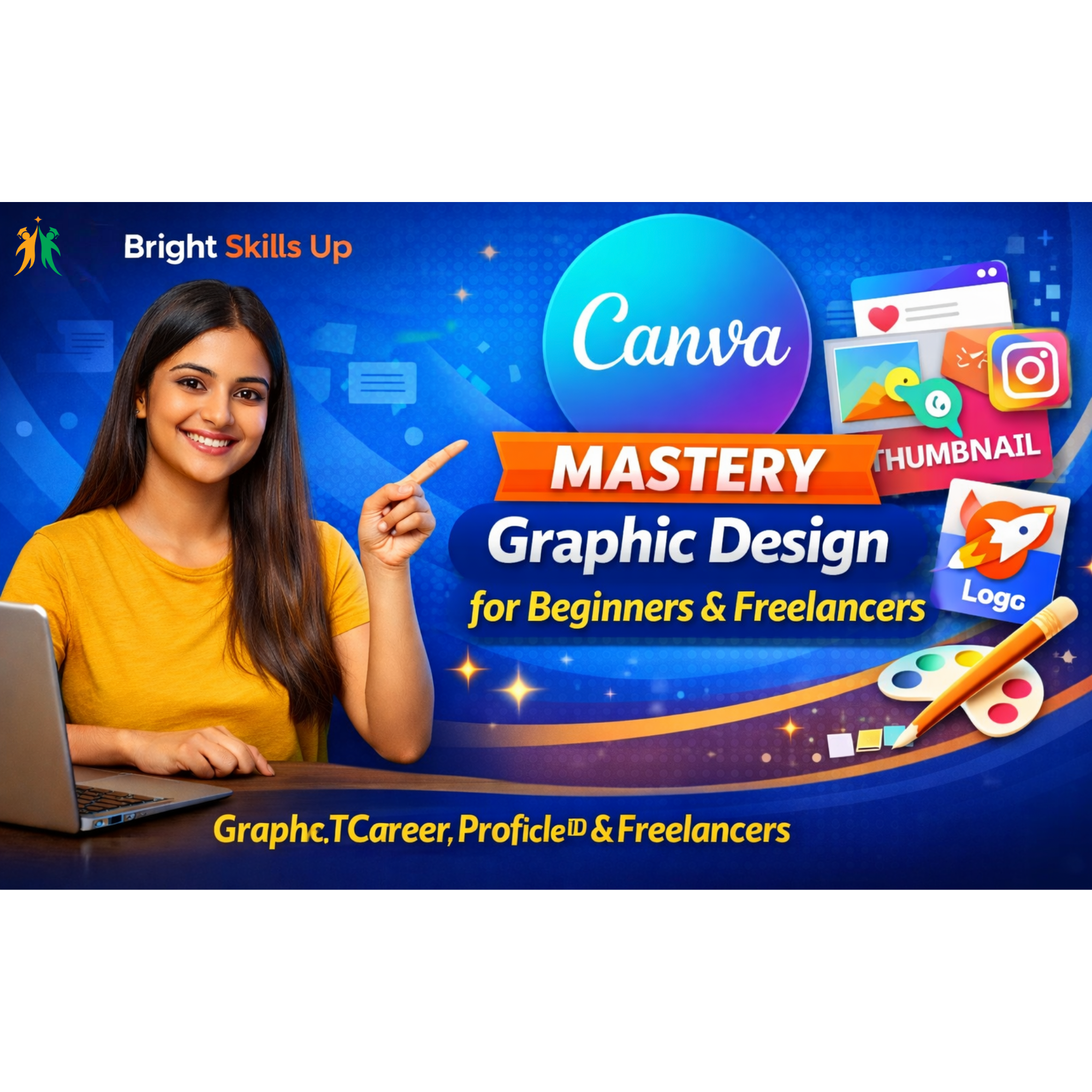
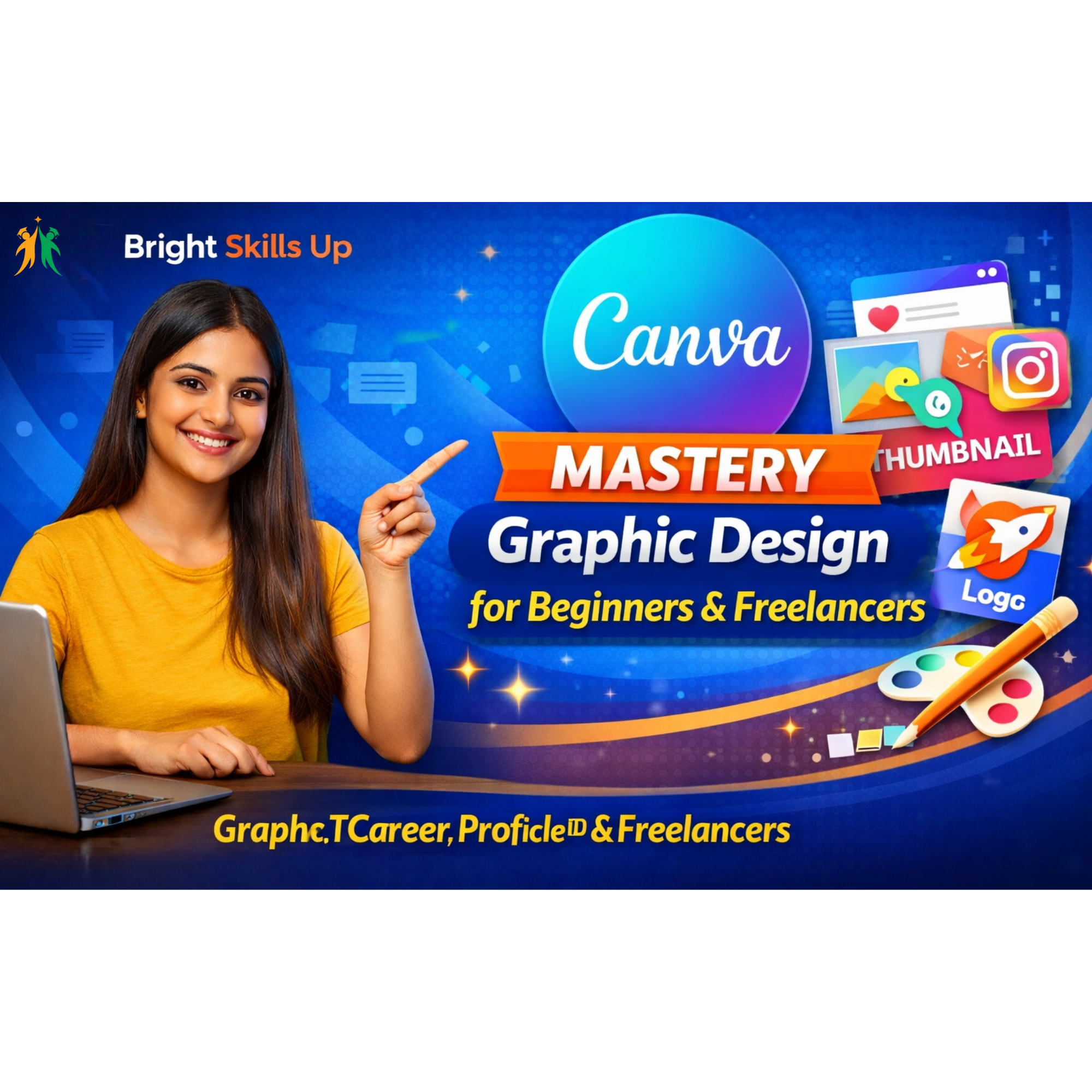
Do you want to create professional designs without learning complicated software like Photoshop?
This course will teach you how to use Canva step-by-step and create stunning designs for social media, YouTube, business marketing, and freelancing.
🔥 What You Will Learn
-
Canva account setup (Free & Pro)
-
Canva interface complete guide
-
Social media post design
-
YouTube thumbnail design
-
Instagram reels cover design
-
Logo & banner creation
-
Poster & flyer design
-
Resume design
-
Presentation design
-
AI tools inside Canva
-
Freelancing with Canva
🎁 This Course Includes:
-
- ⏳5.5 + Hours of In-Depth Recorded Sessions
Comprehensive step-by-step video training designed for complete understanding. - 📝 Practice Assignments & Test Papers
Hands-on exercises and assessments to test and improve your skills. - 📱 Multi-Device Access
Learn anytime, anywhere — available on Mobile, PC, Laptop, Tablet & Smart TV. - 🏆 Certificate of Completion
Receive an official certificate after successfully completing the course.🎓 By The End Of This CourseYou will be able to create professional-level graphics using Canva and start earning through freelance projects or your own business branding.
🚀 Start your design journey today!
- ⏳5.5 + Hours of In-Depth Recorded Sessions
-
Reviews
There are no reviews yet.